Questions
Straight answers.
Does it work on iPhone and Android?
Yes. Roadstub is a web app, so it runs in Safari on iPhone and Chrome on Android, and you can add it to your home screen. It's not in the App Store or Google Play.
How do I put it on my home screen?
iPhone: open the link in Safari, tap the Share button, then “Add to Home Screen”. Android: open it in Chrome, tap ⋮, then “Add to Home screen” or “Install app”.
Does it track my location with GPS?
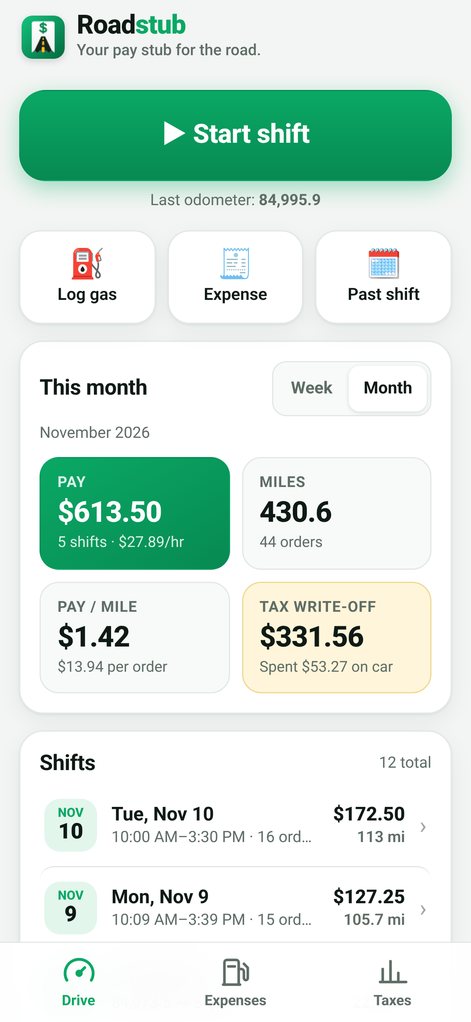
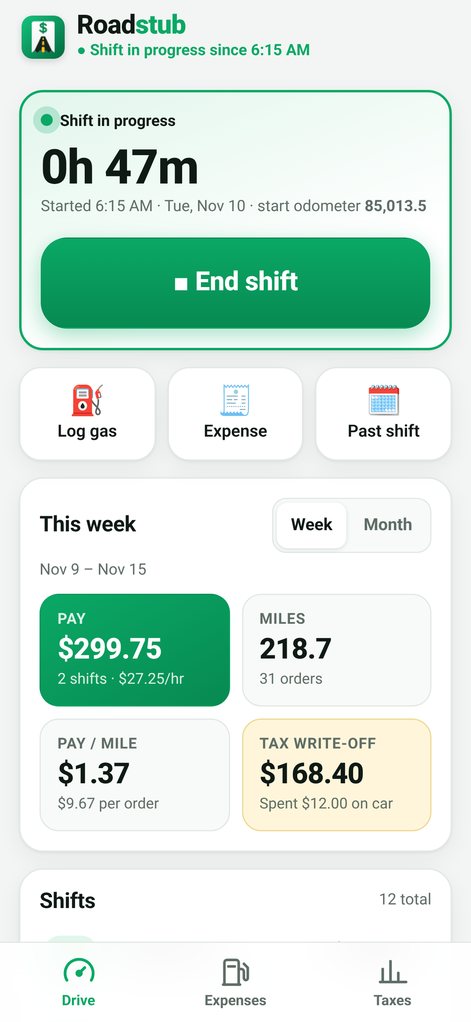
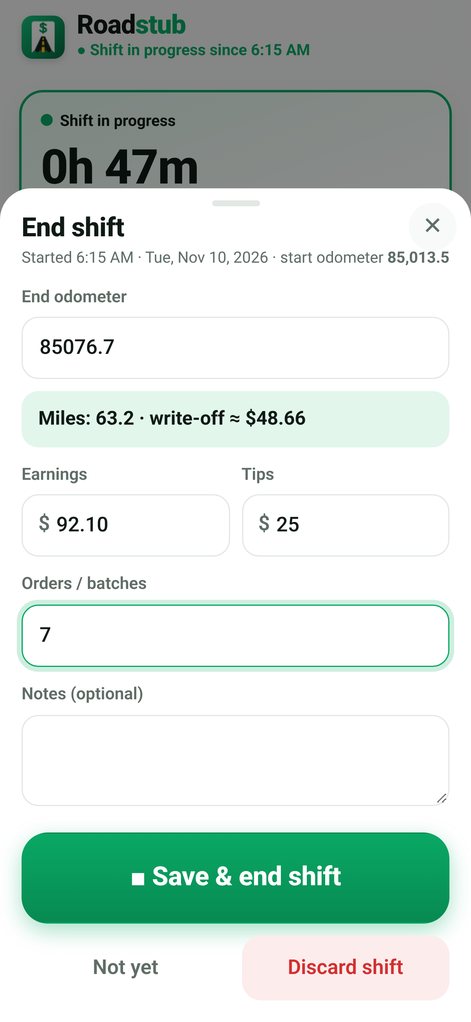
No. You enter your odometer at the start and end of each shift, so there's no GPS and no battery drain. It doesn't log trips automatically.
Where is my data? Is it private?
Everything stays in your phone's browser storage. There's no account and no server, and nothing you enter is sent anywhere. Because the data lives on your phone, use the built-in backup to save a copy to Files or email it to yourself. See the privacy policy.
Does it work without signal?
Yes. After you've opened it once, it works offline.
Can I move my data to a new phone?
Yes. Download a backup file on the old phone and restore it on the new one.
Is this tax advice?
No. Roadstub gives estimates based on what you log. Always confirm the current IRS standard mileage rate at irs.gov and check with a tax professional. See the terms & disclaimer.
What if it's not for me?
Ask for a refund within 14 days of buying and you'll get your money back, no questions asked. Reply to your Gumroad receipt email or message us through Gumroad.
Which apps does it work with?
Any of them. Roadstub doesn't connect to delivery apps; you type in your pay. It works the same for Instacart, DoorDash, Uber Eats, Spark, Amazon Flex, rideshare and more.